
BGG integration
Ten years of BGG, moved in one sync
Your collection and play history import in a single run — and the sync keeps working both ways after, so the profile you built since 2014 never goes stale.
The migration that isn’t one
Import
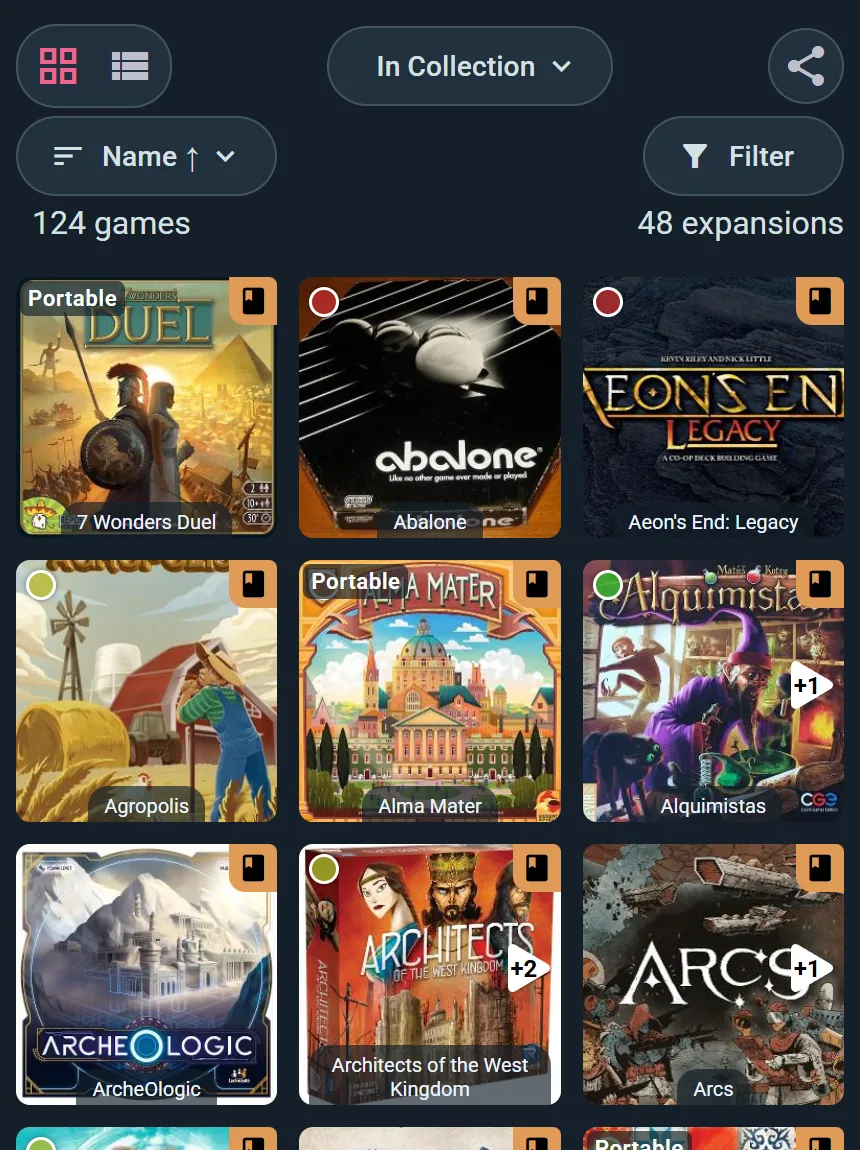
Everything arrives: boxes, plays, years
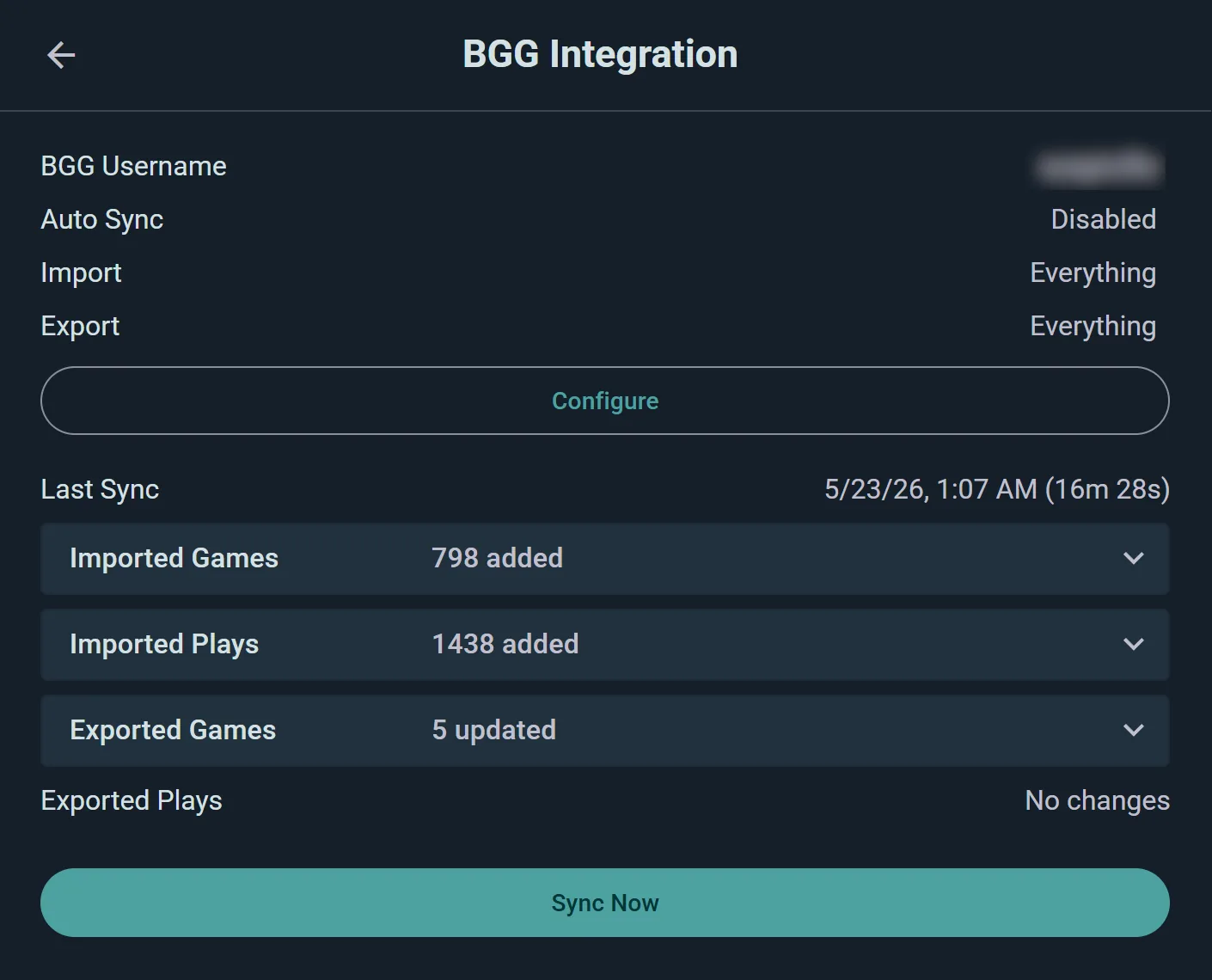
Connect your BGG account, choose what to sync, run it once — games, expansions and your entire play history land with dates, players and scores intact.
- Scopes are yours. Games only, plays only, or everything — import and export are configured separately.
- History with its numbers. Imported plays feed your stats immediately: win rates, H-index, the calendar.
- Labeled honestly. Imported plays stay distinguishable from plays logged live — your record stays truthful.
Export
BGG stays alive while you move on
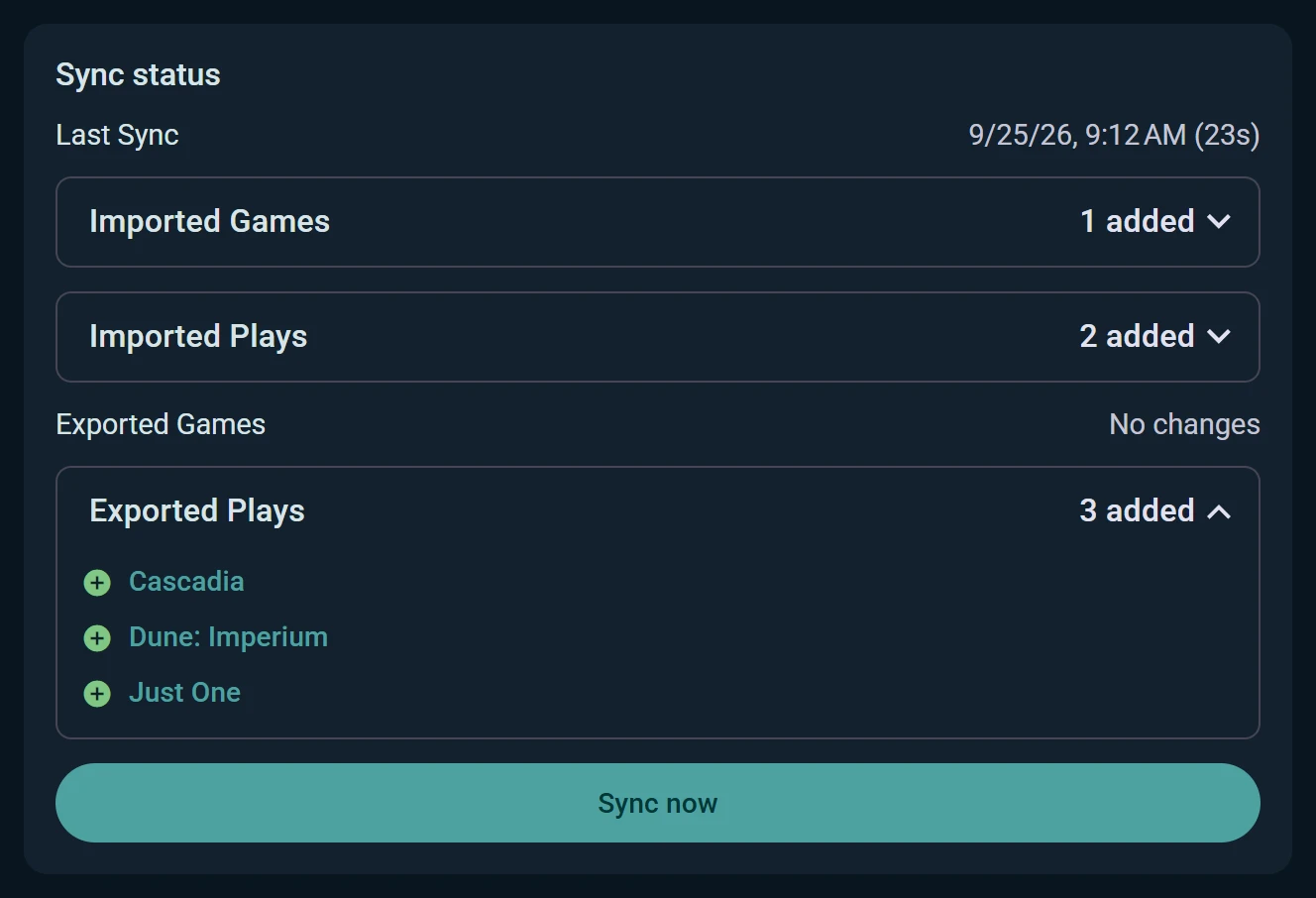
The sync runs both directions: ownership changes and new plays logged in Ludoya can flow back to BoardGameGeek, so nobody has to choose between platforms.
- No stale profile. The BGG collection you curated for a decade keeps reflecting reality.
- Log once. The play you record at the table lands in both places without a second entry.
- Leave any time. Your data stays exportable — sync is a bridge, not a lock.
Board Game Arena
Online plays log themselves
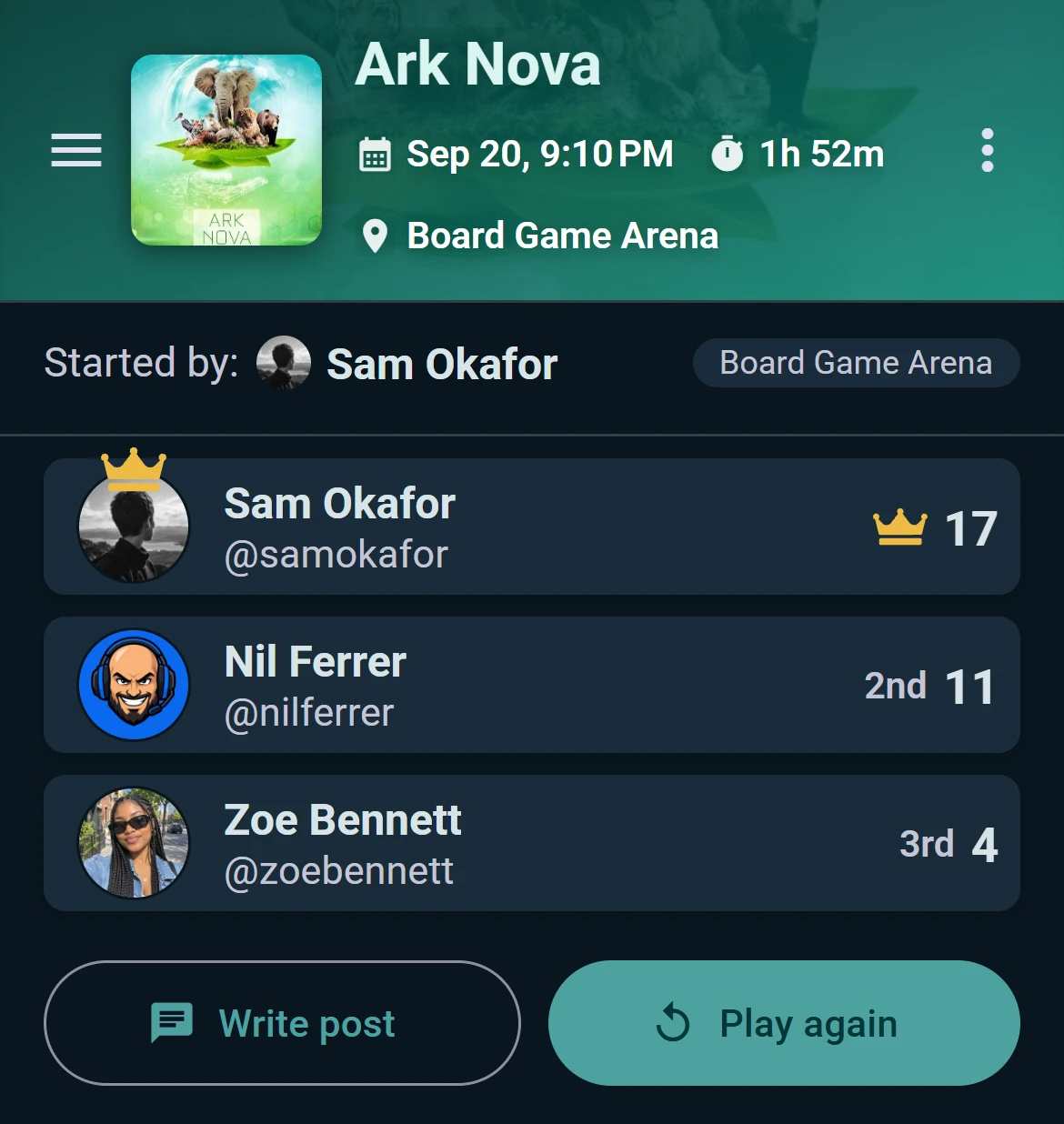
Connect BGA and finished tables arrive automatically — with co-players matched by BGA username wherever they are also on Ludoya, so shared stats stay shared.
- Zero-effort logging. The Tuesday-night Ark Nova on BGA is in your history by Wednesday.
- One play, not four copies. A shared table becomes one play linking every matched player.
- Same honest labels. BGA-synced plays are marked as such, next to your tabletop record.
Getting started
From BGG account to living log
Connect
Settings → Integrations → BoardGameGeek. Your BGG credentials, one time.
Choose scopes and sync
Import collection, plays or both; enable export if you want changes flowing back. Run it.
Just play
From now on the two stay current together — log where it is convenient.
Honestly
Against a CSV export and a prayer
BGG data can be moved by hand. Once. Painfully. In one direction.
| Manual CSV migration | Ludoya sync | |
|---|---|---|
| Collection import | CSV cleanup | One sync |
| Play history with players | Usually lost | |
| Keeps BGG updated after | — | Two-way |
| New plays flow both ways | — | |
| BGA online plays | — | Auto-logged |
| Repeatable | — | Continuous |
What it costs
Nothing. BGG and BGA sync are part of the free core, in both directions, without limits on collection size or play count.
What the import unlocks is the point: statistics computed over your whole history, and a collection that works at the shelf.
Bring the decade with you
One sync, and your whole gaming history is working data.
Frequently Asked Questions
Is it really two-way?
Yes — import and export scopes are configured separately. You can import everything and export nothing, keep both fully mirrored, or anything between.
Do imported plays count in my stats?
Fully — they feed win rates, the H-index, head-to-head records and the calendar, with their original dates. They stay labeled as imported, so your record remains honest about its sources.
What happens with players in my BGG plays?
They arrive as named players on each play. When a name corresponds to someone on Ludoya, the plays can link to their account; friends who join later find their history waiting.
Will Ludoya edits overwrite my BGG data?
Export only sends what changed on the Ludoya side, and only if you enabled export. Review edits made on Ludoya are protected against being clobbered by later imports.
How does the BGA connection work?
Connect your Board Game Arena account and finished tables sync automatically as plays — one play per table, with co-players matched by BGA username where they are also on Ludoya.
How long does a big first sync take?
A few minutes for most collections — a 798-game, 1,438-play library lands in a single run. BGG’s API sets the pace for very large ones.
Can I disconnect later?
Yes — disconnect any time from settings. Everything already imported stays yours, and nothing further is sent or fetched.