
Every play and event can carry a location, which is what makes "where do we actually play?" answerable — your stats break down by venue, and events show up on the map for people nearby.
Manage yours under Settings → Locations.
Saving the Places You Play
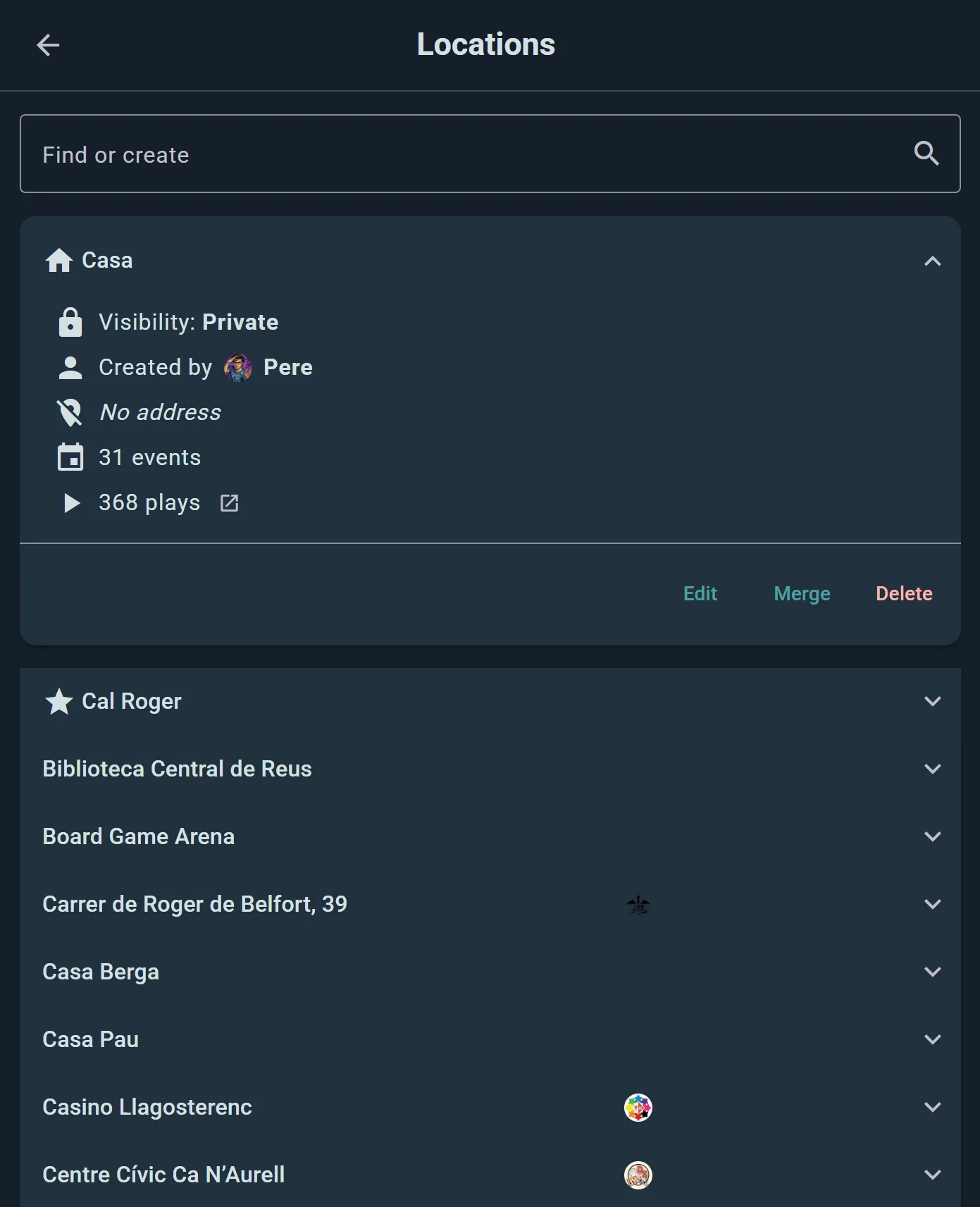
Add the spots you game at once, and reuse them forever: your kitchen table, a friend's flat, the café down the road, your club's usual room. Each one gets a name, an address, and a pin on the map.
You'll build most of them without thinking about it — logging a play or creating an event lets you pick a saved location or add a new one on the spot.
Getting here is a short note for everyone who sets off to it: access, parking, which door, which floor. It shows wherever the location does.
Playing Online
Ludoya ships the obvious online venues as ready-made locations, so a remote game is logged as precisely as a physical one: Board Game Arena, Tabletop Simulator, Tabletopia, Yucata and Vassal.
Who Can See an Address
A location's address is often your home, so each one has its own visibility setting:
- Public — the address and map location are visible to everyone
- Friends Only — only your friends can see the address and map location
- Only group members — only members of your group can
- Private — only you can see the address and map location
Pick Private for your flat and Public for the café, and your play history stays honest without publishing where you live. Public locations need a valid address, since they go on the map for other people.
A whole town or region is different: picked from the suggestions ("La Seu d'Urgell", not a street in it), it becomes a place of your own that nobody else is offered when they search the town's name, and it is no secret either. A festival held "in La Seu d'Urgell" shows the town, its map and its places to everyone who can see the festival. What you write under Getting here stays yours.
One Place, One Location
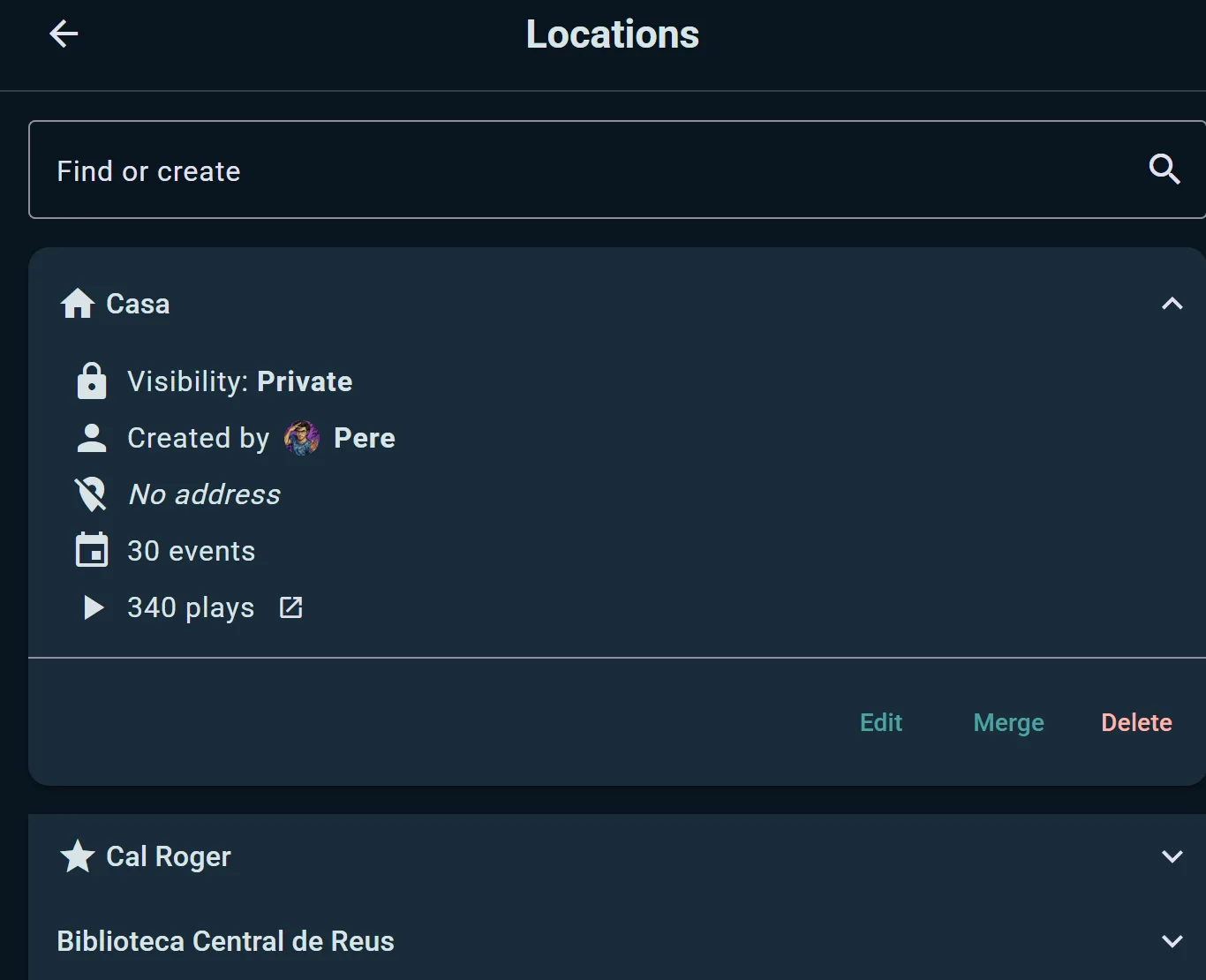
A public venue exists once on Ludoya. When you search for a café or a club's hall that's already there, you pick the same location everybody else uses, so its events, plays and opening hours are all in one place instead of spread over a dozen copies.
If you make a public location for a place that's already on Ludoya, it says so and offers to merge yours into it; your plays and events move there. Private locations stay yours alone: your flat is never merged with anyone's.
Opening Hours and Venue Claims
Clubs, shops and venues keep their addresses in the console, under Locations: every address the club runs at, when it's open, the spots inside it, and which one is the main location shown on the profile. On the Business plan the profile shows the other locations you choose, too.
- Opening hours answer "are they open now?" before anyone has to ask. Set one schedule for the week, or different hours for the rest of the days, and add special days for holidays, early closes and one-off openings. An event created outside the club's usual hours gets a gentle warning, in case it's a typo.
- Claim this venue when the place is yours but someone else added it first. Say how your organization is related to the address; Ludoya staff review every request, and nothing changes until it's approved. Once it is, your hours become the venue's for everyone who looks it up, and you look after its address, spots and floor plan. Everyone else can still pick it for their events and plays.
A club that meets at someone else's venue still sets its own hours there.
Tidying Up
Ended up with "Home", "home" and "My place" after a year of logging? Open one and choose Merge Locations to fold duplicates together — the plays and events attached to each one follow into the survivor, so nothing is lost and your per-venue stats stop being split three ways.
Venues with Named Spots
A location belonging to a club, group or organization can also hold spots — the tables, rooms and play areas inside it. A café might have "Table 1" through "Table 8"; a convention hall might have "Main Hall", "RPG Room" and "Demo Area".
Once a location has spots, events and scheduled games held there can claim them, so attendees know exactly which table to head for. Named spots, each with an optional capacity, are free for every club.
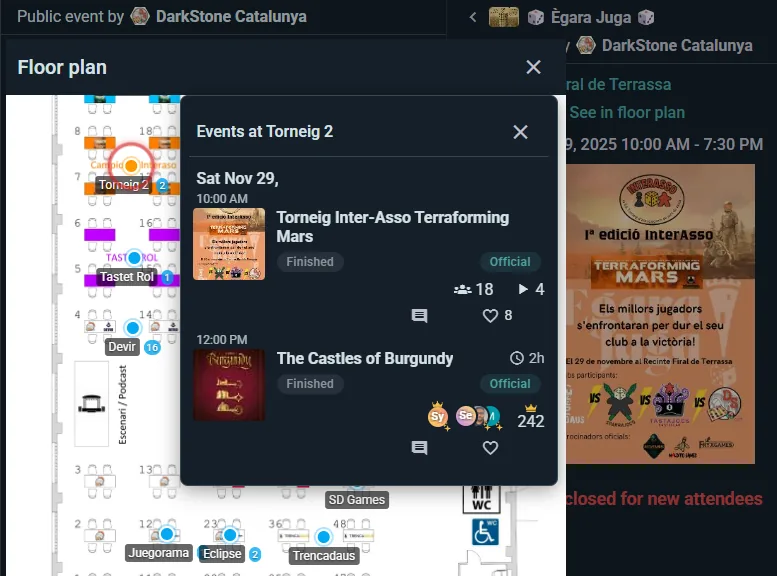
On the Business plan you can add a floor plan on top: upload an image of your space, drag each spot onto it, and attendees get a pannable, zoomable map instead of a list of names. A venue that is a town, a square or a park has no picture to draw on: its places go on a real map instead, each one pinned where it is. See Event Operations.